Case Study — 01 of 03
Jin Forge Cloud
A modern cloud resource management dashboard designed to simulate provisioning, tracking, and managing virtual infrastructure assets.
Why I Made This
After finishing the NOC monitor project, I wanted to go a level deeper and actually understand what happens on the backend when someone orders and sets up a virtual server. I was curious about the customer-facing side of cloud infrastructure, what does that control panel look like, and how does it work under the hood? Since I was already getting into Cloud Engineering and DevOps, building a dashboard that simulates asset lifecycle management felt like a natural next step to take.
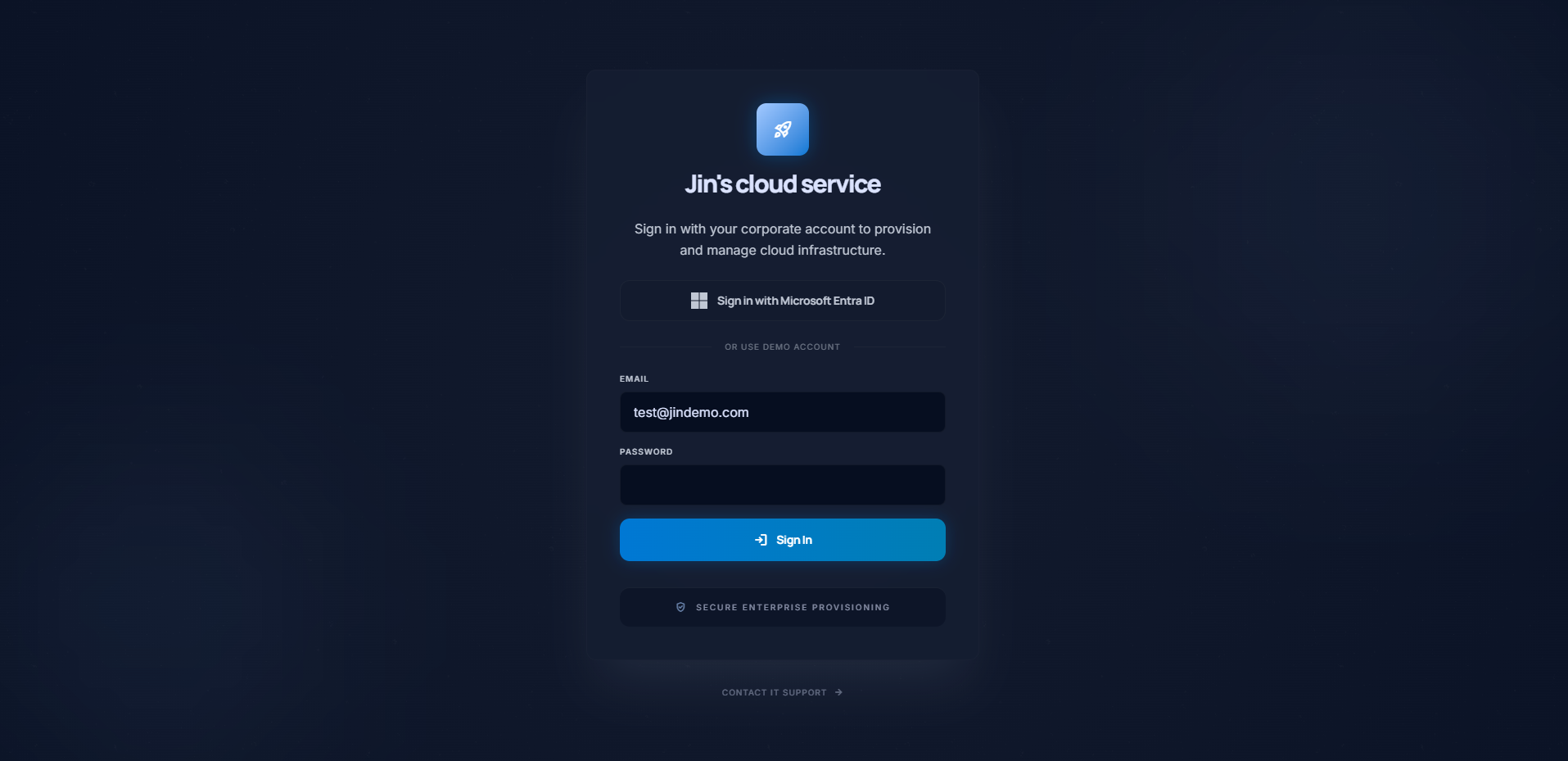
As mentioned above, I wanted to dive deeper into the world of DevOps/Cloud engineering and just overall back-end related programming. So I thought, what better way than to simulate the experience of setting up, ordering and delivering a server for customers or users? This obviously comes with security risks, so I initially wanted to implement a login system through Microsoft authentication, however that seemed like a stretch for a simulation project, so I made a hard-coded user to log into for the time being.
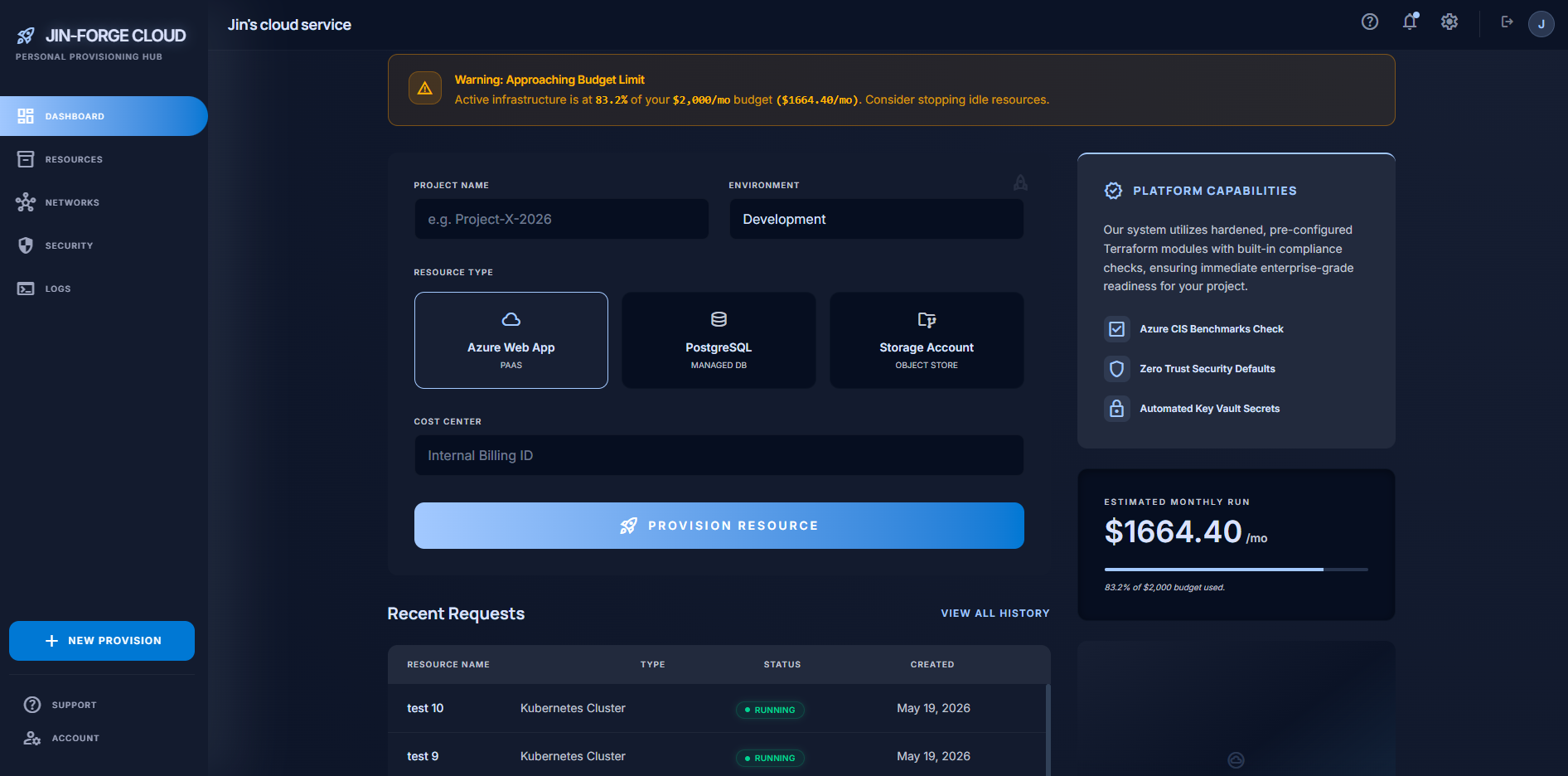
For the dashboard, I wanted to make sure it looked organized, clean and easy to navigate through all the different functionalities. On the dashboard you would have a basic overview of all the recent requests, the budget limit (along with an alart system for the budget), and whatever else that was deemed necessary.
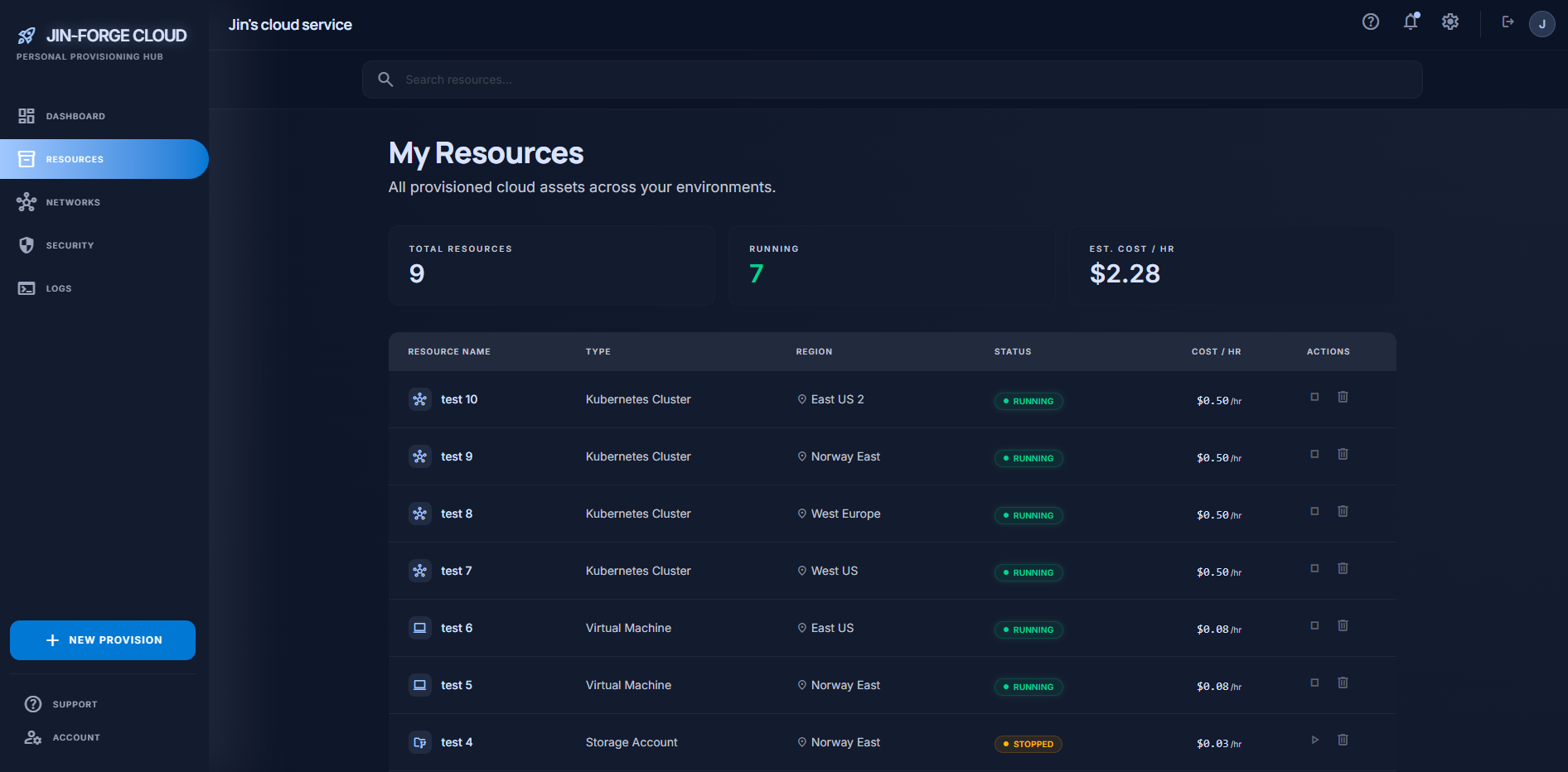
All the other pages have their own functionalities, however the main focus was the "My Resources" tab, where you get a simple and clean view over all the current databases/servers that has been deployed/running/stopped. You also have the function to stop the servers at will, or delete them if needed. You also have a clear statistic on how much each server costs per hour. A search function is also implemented to make organising and looking up different servers a lot more efficiently.
Core Features
Role-Based Access Control Simulation. Integrated end-to-end login flows utilizing Supabase Auth and state-driven protected routing patterns.
Continuous Integration & Deployment. Fully automated CI/CD deployment pipelines using GitHub Actions runners mapped to Azure Static Web Apps.
Performance Optimized Data Views. Dynamic vertical scrolling viewports within dense data lists using custom Tailwind utilities, featuring pinned headers for continuous structural visibility.
State-Driven Architecture. Zero-latency internal navigation layers that bypass browser-level document requests to keep application memory clean.
Budget Tracking & Metrics. Built-in alert systems that trigger visual warning indicators upon hitting simulated threshold limits for a monthly financial budget.